



Your printers are constantly running, and your costs are spiraling out of control. Yet you have no insight whatsoever into what’s being printed or why it’s being wasted.
You have pages remaining uncollected in the output trays. Color ink is being churned out much faster than it can be ordered. Toner has run out, and machines have become jammed. It prevents anyone else from using them.
Your staff is busy with service problems rather than attending to your clients and closing business. On most days, your IT department is struggling with the same burden of resolving driver issues. They are addressing network issues and resolving the recurring ‘why won’t this print?’ query.
Additionally, they are constrained by security and data protection requirements for devices under their control. If any of these points ring true, you are not alone.
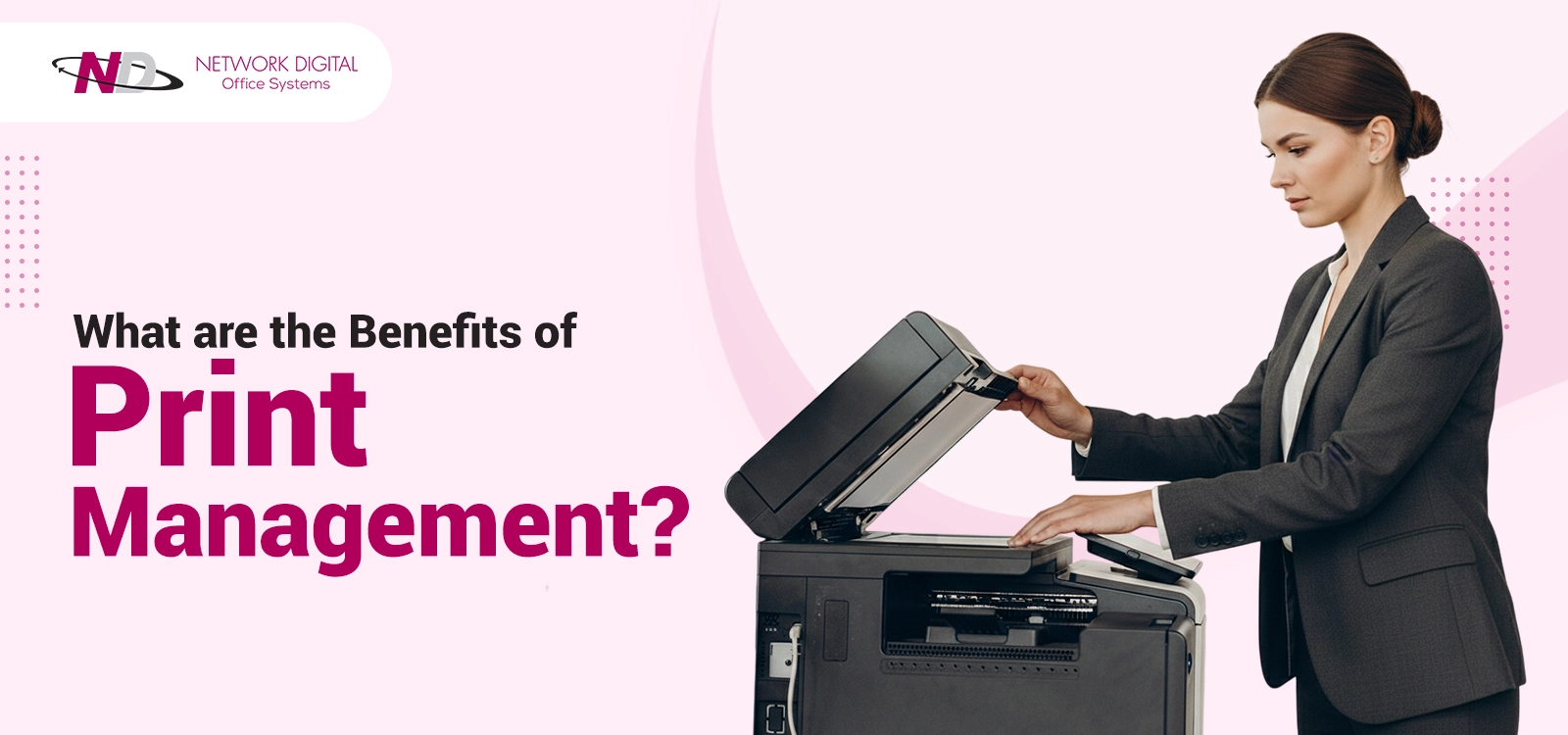
There is a simple way to bring this process under control: print management. Continue reading this blog to find out how it can bring value to your business.
What Is Print Management?
It allows you to monitor what, when, by whom, and at what cost your company is printing.
An office print management system integrates all your printers. This enables monitoring of network usage. Policies you create are put into effect. Any potential problems are identified before they have an impact.
Office print management systems are ideal for organizations operating across several sites. Hundreds of printers are managed from a single dashboard, with real-time monitoring of each printer. All settings throughout the organization can be managed centrally.
These are cloud-based, so the system can be accessed from anywhere using a computer or mobile device. This allows your employees to work from home, the office, or any other online location.
Know More : Print Management: Why Modern Businesses Need It?
What Is The Key Benefit Of Print Management?
The main benefit of print management is gaining control over costs. Companies typically achieve a 30% reduction in printing costs in the first year.
Print management solutions give you complete visibility over spending. It is possible to know precisely where the money is going. You identify wasteful processes and spending.
Every single page can be accounted for. It is possible to identify departments with high print costs. They often use expensive color printing for documents. Moreover, printers sit idle while others are overloaded.
This enables informed decisions. Automated decisions based on usage rules will significantly reduce printing costs. They will also allow equipment to be deployed to areas with the greatest need. Supply orders can also be placed when prices are lowest.
1. Significant Cost Savings
The financial advantages of print management for businesses are staggering. The fact is, few organizations understand the actual costs of printing until they take inventory. The software highlights unnecessary expenses. The examples include:
- Employees print 50-page documents when the material could be reviewed online.
- Where teams use color printing when black and white would suffice
- Areas where double-sided or back-to-front printing can be effectively employed
- Areas where excessive waste occurs (and so on).
Rules can be imposed that immediately reduce expenditure. Defaults can be set to ensure the printer prints double-sided, thereby halving paper consumption. Managerial approval may be required for color print jobs. Moreover, specific print quotas may be established for individuals or departments.
Continuous outlay expenses decrease significantly. Toner and paper levels can be tracked automatically by the software. So orders are placed before you run out, and expensive express delivery is avoided. When you base your ordering decisions on accurate data, you can leverage greater negotiation power to secure better discounts on consumables.
Businesses saving $50,000 or more annually through improved print practices are commonplace. Even small offices are likely to see savings in the four-figure range.
2. Enhanced Security and Data Protection
The security risks associated with your printers are incredibly high. It connects to your network just like any other computer. They can store confidential information in memory. If a hacker gains access, they can steal sensitive information.
Secure printing solutions help prevent this in various ways. A firewall is used to block unauthorized access. The data is encrypted before it gets to the printer. Someone can track who accessed which documents.
Confidential breaches can be avoided with user authentication. Employees must enter a personal ID number or scan an ID badge to print documents. Documents are not printed until someone with the authority is present at the printer.
This prevents papers from sitting in an output bin unattended. Sensitive client information, employee files, and finances can no longer be stolen from a simple printout. Even if an employee leaves a printout, it cannot be accessed until they return.
The audit trail enables detailed reports on which user printed which documents and when. These features help you comply with regulations in industries such as healthcare, finance, and law. The data cannot be stolen in transit with secure print software. A hacker could intercept your print jobs, but would be unable to read the data being sent.
3. Increased Productivity and Efficiency
The benefits of print management for your company are immense. The primary benefit is a significant increase in productivity. It saves all your employees’ time by avoiding time-wasting print issues.
Your IT staff receives instant alerts about issues. They address them before employees even realize they exist, eliminating downtime that stops work. In fact, across the industry, print-related helpdesk calls account for 40 percent of the IT support department’s workload.
The routine tasks involved in office print management are automated. Printer drivers can be updated across your organization instantly. You wouldn’t need an IT employee to physically access every printer to download new drivers. The system can automatically route the print job to the most efficient printer—either the closest or the most suitable.
The advantages of cloud printing are significant. It increases efficiency by allowing anyone on your network to send a document to any printer in your organization. Remote staff can send a document from their remote computer to an office printer. Also, it can pick up their completed job at any suitable location in the building.
Bottlenecks can be eliminated by the system’s automatic rerouting of print jobs to other available printers. It occurs when a single printer experiences high demand, and its job queue becomes excessively long. It keeps things moving.
A clear record of what jobs are being printed on which printers can be beneficial. It allows you to balance the printing workload across devices and add capacity where needed.
4. A Smaller Environmental Footprint
The most significant benefit of print management is its environmental advantage. The system helps you advance your company’s green initiatives while reducing costs.
Your environmental impact can be tracked at the gram level using print management software. Your company’s paper usage is quantified. Carbon emissions from printing can be determined. The overall impact of printing within your company is tracked to show improvements over time.
Waste is automatically reduced with smart defaults. Users’ printers can be configured to print only double-sided. Blank pages can be omitted, and digital solutions can be proposed for oversized print jobs.
Wasted print jobs can be eliminated. Excessive printing of large emails or web pages can be disallowed. Unnecessary color jobs can be converted to black-and-white. Users may also be required to confirm their print jobs before release.
Many companies report a 40% or greater reduction in paper consumption. It often leads to tree preservation, reduced landfill use, and a smaller carbon footprint. This data may be used in sustainability reports and CSR (Corporate Social Responsibility) statements.
5. Reduced IT Workload
You can clearly see how vital print management is by examining IT effectiveness. Your IT department is wasting hours dealing with printers.
They have to load printer drivers onto individual PCs. They troubleshoot paper jams and network connections. They answer simple questions about how to print something. They rush around trying to get the printer fixed quickly when a staff member can’t do their job.
With a centralized office print management system, most of this is no longer an issue. The software automatically installs and updates printer drivers. All printers are pushed new drivers from one central location.
The printer network is proactively managed through remote monitoring. Your system can alert your IT department when a printer is about to fail, allowing for scheduled maintenance rather than an emergency fix.
IT saves even more time by centrally managing your devices. All machines can be configured from a single central location. You can set default settings for paper size, print quality, and color options across your entire business. You never need to go to the machines themselves.
Many print management products include 24/7 support. It allows your staff to get help directly from the supplier without contacting your IT department. It frees your team to focus on critical technology initiatives.
6. Scalability for Growing Businesses
Print management systems evolve with your business. Printers, users, and locations can be easily added with a simple installation. Cloud-based solutions grow with you. A few simple clicks add printers; costly servers and convoluted infrastructures are obsolete.
Extensive office print management supports a mix of printers. You can have multiple brands of printing equipment, both leased and owned, feeding into a unified print management system.
- The software adapts to your business.
- It adds home users without buying new machines.
- It expands to new branches while maintaining centralized print management from your single dashboard.
- It scales up for seasonal demand peaks and scales down as needed.
Print utilization data drives business decisions. Understand exactly when new capacity needs to be purchased. Also, learn which offices may need further equipment – your investments are driven by data, not by guesswork.
7. Environmentally Friendly Printing
Printing solutions also offer sustainability benefits. By using these solutions, your business can reduce environmental costs.
Automate responsible printing across the company; set all jobs to double-sided or draft mode by default. Digital signatures will not require paper like printed agreements. It shows what is being achieved: your paper usage is reducing each month, and the resulting monetary savings. It displays to stakeholders your company’s stance on the environment.
Other tools will even suggest a digital alternative to printing—showing you exactly where you can cut a page and how much you’ll save.
Print Management vs. Managed Print Services
Understanding the difference between print management and MPS will help you select the right solution.
| Aspect | Print Management | Managed Print Services (MPS) |
|---|---|---|
| Core focus | Software control and monitoring of printing | Full outsourcing of your print environment |
| What it includes | Tracking, reporting, rules, security, and basic optimization | Devices, supplies, maintenance, monitoring, and software |
| Equipment ownership | You usually keep and manage your own printers | The vendor often provides and manages printers and copiers |
| IT involvement | IT still manages devices, but with better tools and data | IT involvement drops; vendor handles most print tasks |
| Cost model | Software licenses or subscriptions; you manage hardware costs | Predictable monthly or per-page fee covering most print costs |
| Best for | Businesses with decent devices that want more control and visibility | Businesses that want to offload printing, hardware, and support |
| Flexibility | High control over settings, vendors, and hardware choices | High convenience, but more tied to one provider’s ecosystem |
| Main benefit | Visibility, cost control, security, and smarter use of existing printers | End-to-end management, less IT burden, and simplified billing |
Who Can Benefit Most From Print Management?
The benefits of print management aren’t confined to any specific sector. However, some businesses reap immediate benefits.
A large office with multiple locations can experience immediate wins with print management. They gain insight into the print infrastructure across all locations. Enforcement of universal print policies becomes possible. Entire printer fleets can be managed and optimized simultaneously.
Businesses with regulatory requirements require a secure print environment. Healthcare practices have to safeguard protected health information (PHI) under HIPAA. Financial organizations have to protect customer data. Legal offices need to uphold client confidentiality. Print management provides the necessary security measures and audit trails.
Companies with high printing volumes benefit significantly from print management. Educational institutions, government offices, and professional service organizations print countless pages daily. A slight reduction in waste translates into significant savings for them.
Remote and hybrid workforces can enjoy greater flexibility with cloud-based print management. Employees can print from remote locations directly to an office printer. Work is no longer dependent on location or device.
Another business that is tired of its IT staff spending excessive time dealing with printer-related issues benefits. Print management can reallocate valuable IT resources.
Is Print Management Right For Your Business?
- Consider the following to see if your company requires print management solutions:
- Are you printing more than $1,000 in print costs per month? The software pays for itself very quickly in cost savings. It is estimated that ROI can be realized in 6 months.
- Do you have more than 10 printers? When there are many printers, IT support is very costly. An enterprise print management system can automatically monitor and service printers.
- Do you handle confidential or sensitive data? Ensure the security of your print environment if you work with confidential data. It may range from financial and medical documents to top-secret documents.
- Is remote working common at your organization? Ensure cloud printing works for remote users to maintain business productivity and avoid IT support calls.
- Are you experiencing ongoing printer problems? Printer jams, low toner, and overall machine downtime can disrupt your business. Prevention is always key.
- Would you like to gain greater insight into printing costs? If you do not monitor your printing costs, you cannot manage or reduce them.
Network Digital – Smart Technology Solutions for Growing Businesses
These print management advantages will revolutionize the way your business thinks about printing. Companies can reduce costs by 30 percent or more. They will enhance their security through authentication and encryption. Also, they improve productivity by eliminating downtime.
All your printers are monitored by the print management software at all times, alerting to any tasks or issues before they become serious. Control all your spending and automate waste management by consolidating these functions.
Also, this protects confidential documents and saves the IT department time spent responding to printer complaints. Most systems are cloud-enabled, so your employees can print from any device and manage everything from a single interface. Take back control of wasteful printing and potential data leaks.
Network Digital provides print management solutions for businesses that deliver immediate, positive outcomes. We’ll analyze your environment, identify waste, and implement systems that deliver results.
Request a free print assessment from Network Digital. With our professional print management service, you make one of your most neglected costs a manageable part of your business.