



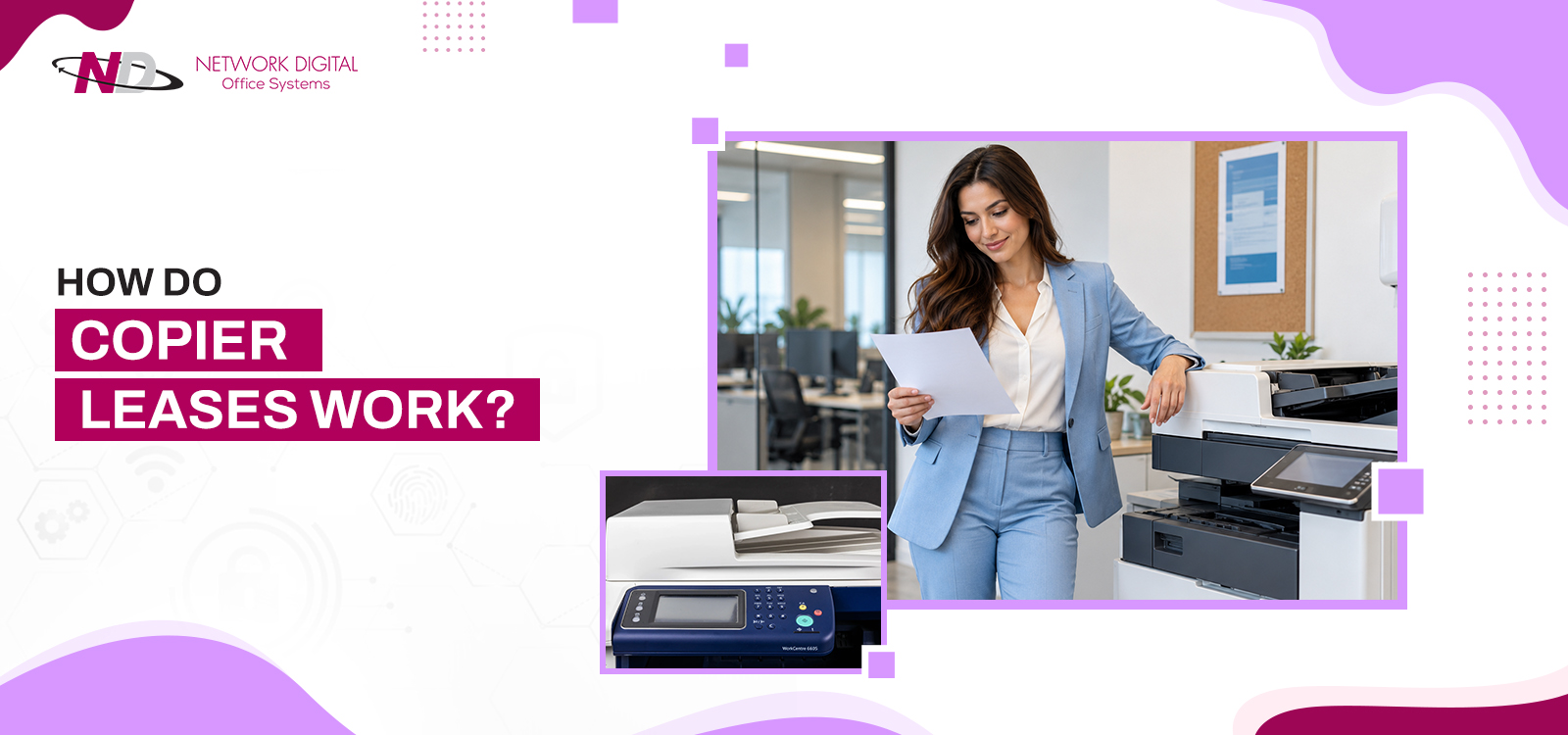
A copier lease is a contract in which you pay a fixed monthly fee to use a copier for a set term, usually 36 to 60 months. The leasing company owns the machine. At the end of the term, you return it, upgrade to a newer model, or buy it. A well-written lease keeps your cash free and your repair costs predictable. A poorly written one can lock you into a machine you dislike and surprise fees.
Below, we explain how copier leases work, what they cost, and exactly what to check before you sign.
What Is a Copier Lease?
A copier lease is a long-term agreement to pay for access to a copier instead of owning it. You choose the machine, agree to a term and a monthly payment, and the equipment is delivered and set up for your office.
Because you aren’t buying the machine, you avoid a large upfront purchase. You also avoid being stuck with aging equipment, since most leases let you move to a newer model when the term ends.
How Does a Copier Lease Work?
The process is straightforward:
- Match the machine to your needs: Start with your monthly print volume, whether you need color, and features like scanning, faxing, or finishing.
- Agree on the terms: This covers the lease term, monthly payment, and included services.
- Get delivery and setup: Your dealer delivers, installs, and connects the machine to your network.
- Make monthly payments: Most agreements include a monthly copy allowance. Copies beyond that allowance are billed at a per-page overage rate, and black-and-white and color pages are usually billed separately.
- Decide at the end of the term: You can return the machine, renew, upgrade to a new model, or buy the copier at fair market value.
One detail many people miss: the lease itself is sometimes held by a third-party finance company. At the same time, the dealer handles delivery and service. Ask who you’ll pay and who to call when something breaks.
What Does a Copier Lease Include?
A lease often covers more than the hardware. Depending on the agreement, it may include:
- Service and repairs: If the copier goes down, a technician is dispatched.
- Toner and supplies: Many dealers monitor usage remotely and ship toner before you run out.
- Maintenance: Routine upkeep and, in some cases, parts.
Leases come in two common styles. An all-inclusive lease bundles the machine, service, and supplies into one monthly payment. A separate-billing lease splits equipment from service and supplies. Either can work well, but “all-inclusive” should never be left vague. Get in writing exactly what is covered and what isn’t.
Lease vs. Rental vs. Buying
Leasing isn’t your only alternative to buying. If you need a machine for a few months, a rental may be a better fit.
| Lease | Rental | Buy | |
|---|---|---|---|
| Best for | Ongoing, steady printing | Short-term projects, events, temporary needs | Long-term use with cash on hand |
| Typical commitment | 36-60 months | Short term | Ownership |
| Upfront cost | Low | Low | High |
| Repairs | Usually included | Usually included | Your responsibility |
| Upgrades | At end of term | Not a focus | You replace it yourself |
Most small and mid-sized businesses that print regularly and want to refresh equipment every three to five years choose a lease. Buying makes sense if you have the cash, plan to keep the machine five years or more, and can handle repairs.
How Much Does It Cost to Lease a Copier?
Pricing depends on the machine’s speed, your expected monthly volume, the features you need, and the term length. As a general guide, typical market ranges look like this:
| Copier type | Typical monthly cost |
|---|---|
| Desktop / small | $50 – $150 |
| Mid-volume black & white | $150 – $350 |
| Color multifunction (MFP) | $250 – $500 |
| High-volume | $500 – $800+ |
These are general ranges, not quotes. Actual pricing varies by model and agreement. A longer term lowers your monthly payment but raises your total cost over the life of the lease, so compare quotes on total cost, not just the monthly number.
Benefits of Leasing a Copier
- Cash flow: You skip a purchase that can run into the thousands, leaving cash for payroll, marketing, or inventory.
- Predictable costs: With service and supplies included, repair surprises are far less likely to hit your budget.
- Regular upgrades: When your term ends, you can move to a current model instead of keeping aging equipment.
- Less hassle: Your provider handles repairs, supplies, and often proactive check-ins.
What to Check Before You Sign
Read the contract as if your budget depends on it, because it does. These are the points that cause the most trouble:
- Auto-renewal: Some leases renew automatically unless you give notice within a specific window. Find the deadline and put it on your calendar.
- Early termination: Leaving early can mean paying all remaining payments. Ask for the exit cost up front.
- Price increases: Check whether the payment or per-page rate can rise during the term or at renewal.
- Copy allowance and overage rates: Know your monthly limit and what extra pages cost, for both black-and-white and color.
- What’s included: Confirm in writing that service, toner, and supplies are covered.
- End-of-term costs: Ask about return shipping, buyout price, and any condition or wear charges.
- How service is billed: Some providers collect service fees up front. Make sure you know what happens if the provider goes out of business.
- Taxes and insurance: Find out whether they’re added to your payment.
Quick Pre-Signing Checklist
- The copier model matches your quote
- The lease term and monthly payment are correct
- Service, toner, and supplies are listed as included
- The early termination cost is stated
- Your page limit and overage rate are clear
- The auto-renewal terms are clear
Is Leasing Right for Your Business?
Leasing suits a business that prints every month, wants predictable costs, and likes to refresh equipment every three to five years. Buying suits a business with cash on hand, a plan to keep the machine for five or more years, and its own technology support. Renting fits when the need is temporary.
If you aren’t sure, a quick look at your monthly print volume and growth plans usually makes the answer clear.
Why Businesses Across NJ and NY Choose Network Digital?
Network Digital Office Systems is a Fairfield, NJ copier dealer with sales executives with more than 40 years of office printing experience. ENX Magazine has named us an Elite Dealer four years running, placing us among the Top 100 dealerships in the country. We’re an authorized Konica Minolta dealer and an authorized HP and Xerox partner, and we also carry other leading brands.
We serve businesses of all sizes, from teams of under 10 to organizations of 300, across Bergen, Essex, Hudson, Morris, Passaic, and Sussex Counties in New Jersey, and Bronx, Orange, Queens, and Rockland Counties in New York. Our customers often mention our regular check-in calls, quick supply shipments, and fast repairs.
We also keep machines in stock, so we can often deliver new lease contracts in as little as 5-7 business days. Whether you need a long-term lease or a short-term rental, we’ll walk you through the contract and point out the terms worth a second look before you sign. You can also explore our print management and mailroom solutions.
Ready to compare options? Call us or request a free quote.
Frequently Asked Questions
1. Can you get out of a copier lease early?
Yes, but it usually costs you. Most leases are non-cancelable and charge an early termination fee that can equal all remaining payments. Some agreements offer a buyout at fair market value or let you upgrade and roll the balance into a new contract. Always ask for the exact exit terms before you sign.
2. Is it better to lease or buy a copier?
Lease if you want low upfront costs, predictable monthly payments, and service handled for you. Buy if you have the cash and plan to keep the machine for five years or more. Most small businesses that refresh equipment every three to five years find leasing the better fit. Your print volume and budget should make the final call.
3. What happens at the end of a copier lease?
You typically have three choices: return the machine, upgrade to a newer model, or buy the copier at fair market value. Check whether your lease renews automatically, because missing the notice window can extend your term. Also ask about return shipping and any condition charges to avoid surprises.
4. Does a copier lease include toner and service?
Often, yes, but it depends on the agreement. Some leases are all-inclusive and cover repairs, toner, and supplies in one payment, while others bill equipment and service separately. Get the details in writing, including your copy allowance and the cost of overage pages. This is the single best way to avoid unexpected bills.
5. Can I rent a copier instead of leasing one?
Yes. Renting is a good fit for short-term projects, events, or temporary workload increases because it avoids a long-term commitment. Network Digital offers short-term copier, MFP, and printer rentals, as well as longer lease programs. If you’re unsure which is better, we can compare both for your office.
6. How much does it cost to lease a copier?
Typical monthly costs run from about $150 to $350 for a mid-volume black-and-white machine and $250 to $500 for a color MFP. Your price depends on the machine’s speed, your monthly print volume, and the term length. A longer term lowers the monthly payment but raises the total cost. Ask for a quote based on your actual usage.