




Your printer works around the clock: reports, invoices, training manuals, endless drafts. Then, at the end of the month, the ink bill lands, and it’s a question: where did it go?
So much of your office’s output is in black and white. But your printer still accesses every single colour cartridge, even for a basic text document. That’s your business money, one sheet at a time.
The solution? Grayscale printing. It’s inexpensive, tidy, and better than you think. Businesses that use it have reported saving up to 50 per cent on their printing budget, all without any perceived loss in quality.
In this guide, you’ll learn exactly what grayscale printing is and when it’s most appropriate to use. Also, it explains how grayscale printing compares with the available alternatives.
When you’re done, you’ll have a clear, actionable plan for smarter printing, effective immediately.
What Is Grayscale Printing?
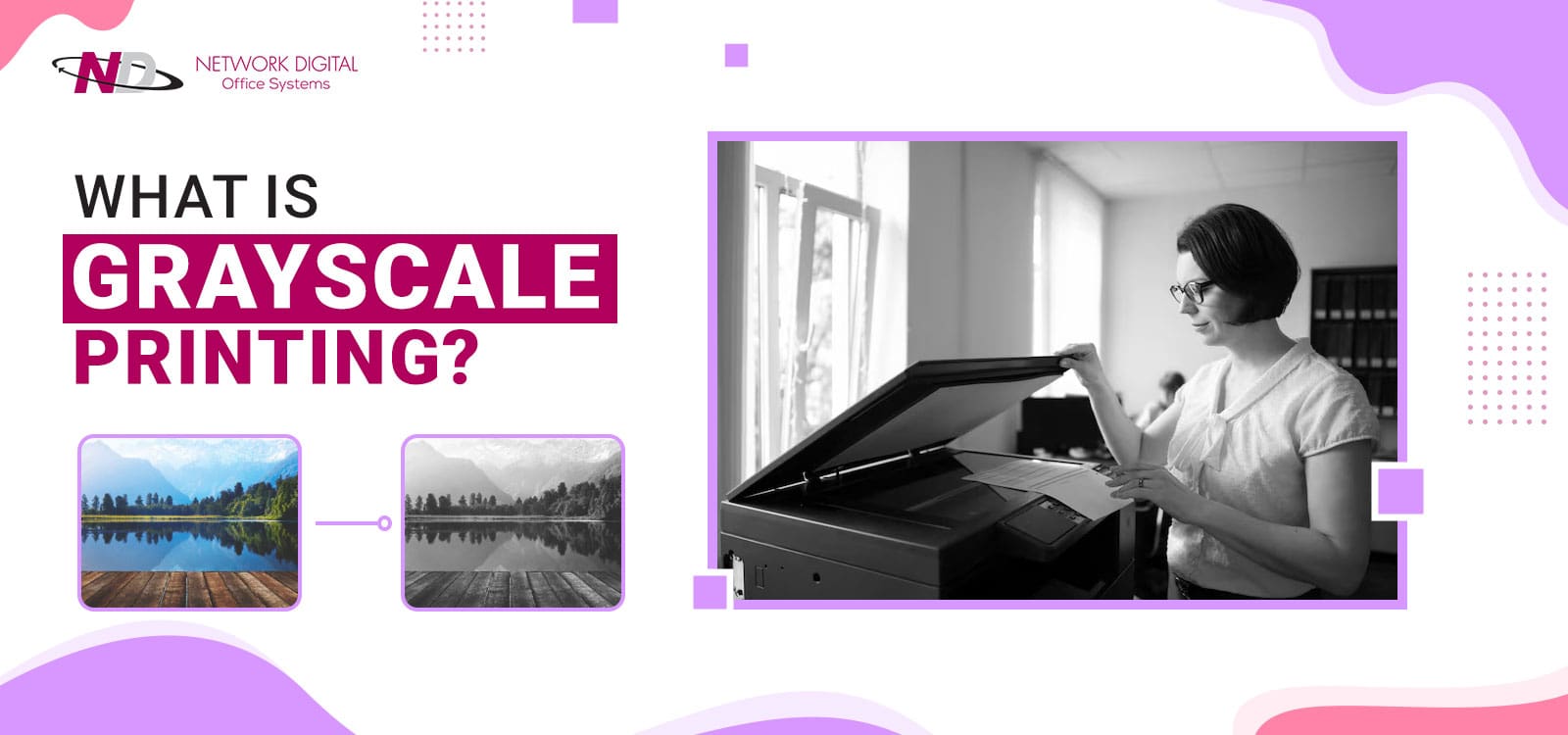
Grayscale printing refers to printing in which text and images appear on paper using only black ink. Where colours use a scale, grayscale can represent a full range of tones between white and black.
A grayscale image has up to 256 shades of grey. An image with this much tonal depth prints with rich detail and high contrast, using no colored ink.
Grayscale printing functions by manipulating the concentration of black ink on the page. Very light sections use a tiny amount of ink. Very dark sections use a lot of black ink. What comes off the page is a crisp, detailed image composed solely of black ink in varying intensities.
It is this aspect that grayscale printing technology uses. Your image is not necessarily simplified-it can be reproduced just as accurately, simply in shades of grey. The process prints a photorealistic picture, a technical blueprint, or a complex graph just as clearly as a colour picture.
Key Benefits of Grayscale Printing for Businesses
It is most likely assumed that grayscale printing is merely a cost-cutting measure. While this is true, it is not the whole story.
In fact, grayscale printing increases the clarity of your document, speeds up your print job, and helps with green office issues. These may not sound like a big advantage, but they are measurable, everyday benefits.
So, what does grayscale printing really offer you?
1. It Cuts Printing Costs Significantly
Colour printing uses the CMYK colour system (cyan, magenta, yellow, and black). This requires four cartridges per printing job. Greyscale printing only requires one (black). Just one small change can lower ink costs by 50% or more.
Printing cost savings in large offices will be funnelled to expansion, operations, or marketing.
2. It Improves Readability and Clarity
Color can distract. Grey scale removes this distraction. Diagrams, graphs, charts, and other graphics look cleaner, simpler, and easier to understand in grayscale. You see no clashing colors or overpowering backgrounds, only text/graphics.
This is why grayscale printing is useful for reports in finance, law, and related fields, where content matters more than colour.
3. It Boosts Business Printing Efficiency
Grayscale is also faster. Your printer has less to compute per page. Prints get done more quickly. Queues shorten faster. High-volume offices feel this improvement most and make a practical improvement, not a technical stat.
4. It Supports Sustainable Printing Practices
Less ink is consumed in grayscale printing. Fewer cartridges produce less packaging waste and are more sustainable. Couple it with double-sided printing and recycled paper. It’s a truly green printing strategy that fits your ESG policies and green office initiatives.
5. It Delivers a Professional Finish
Minimal, monochromatic design is emerging as a trend across many sectors. The grayscale document looks stylish and purposeful. It doesn’t look like a money-saving workaround. It looks like a design choice, and the difference matters when your documents go to executives and/or external contacts.
When Should You Use Grayscale Printing?
Selecting the proper print mode isn’t rocket science. However, many businesses get this one wrong: colour by default for everything and never ask whether it is truly needed.
The result? Wasted ink, higher expenses, and virtually no gain in document quality.
Grayscale is the smart default for most office documents that are typically printed. The challenge, then, is knowing what’s best in grayscale and when it truly calls for colour. Grayscale is appropriate when:
- Internal Documents – memos, meeting notes, rough reports.
- Training Manuals And Employee Handbooks – lots of text and no real benefit from using colour.
- Product and Assembly Guides – detailed diagrams and pictures will reproduce well in grayscale.
- Legal And Financial Documents – the important aspect is the readability, not colour.
- School or University Materials – students and teachers print documents, reports, and papers every day.
- Photography Books And Monographs – a timeless, elegant aesthetic achieved in grayscale.
- Business Correspondence – formal letters, letters from your own letterhead, internal notifications.
Any colour-related item for customers, anything branding-related, should be done in colour. Flyers for the event, product catalogues, and marketing brochures should all be in colour. This way, people’s attention will be more easily captured.
How Businesses Can Reduce Printing Costs with Grayscale?
The costs of printing never seem high… until you add them up.
- A couple of hundred colour prints a month.
- 4 ink cartridges per job.
- Need replacing every few weeks.
It’s not long before printing becomes one of the highest recurring costs on your books – and most of it can easily be avoided.
Switching to greyscale printing for the appropriate documents is a simple way to control your print costs. There’s no need for new hardware, there’s no need for a large investment. You need to re-evaluate your office’s everyday printing processes.
How to do it right:
1. Change Your Default Print Settings
Configure all office printers to default to grayscale printing. The majority of employees do not use colour in day-to-day documents. A single setting like this will significantly extend the life of black ink cartridges and instantly reduce waste.
Many printers let you restrict printing to the black cartridge. (This will work even in grayscale mode) Set it in your printer properties to avoid using any colour ink.
2. Create a Clear Print Policy for Your Team
Set up an easy system. Colour is for anything customers view: presentations, branded docs, printed marketing materials. Grayscale is for everything else: drafts, internal docs, training guides, emails.
A written policy removes the guesswork and instills consistent habits in your team.
3. Reduce Cartridge Spend
Colour printer cartridges are much more expensive than black ones. By printing less colour around the office, you won’t need to replace these pricey CMYK cartridges as frequently. One university library saved 40% on its printing budget-with no decline in the quality of its documents- by following this approach.
4. Optimise Your Files Before You Print
Adjust the brightness and contrast of your images before printing in black-and-white. Well-prepared files print crisply and cleanly. High-quality paper will bring out fine detail and give a very professional result.
5. Laminate for Longevity
Need a lasting grayscale document, such as an employee handbook, manual, or guide? Try lamination. Matte lamination reduces fingerprint visibility and eliminates glare. Glossy lamination will add greater richness and depth to your grayscale photos.
Grayscale Printing vs Black & White Printing
This terminology is used as if they mean the same thing. They do not.
In grayscale printing, black ink is used at percentages ranging from 0% (white paper) to 100% (black ink). This creates all available grey tones, giving you a more detailed, richer image with smooth gradations and a wider tonal range.
Black-and-white printing has only two possible tones: 100% black (i.e., black paper) or 0% black (i.e., white paper), with no intermediate tones. This creates high-contrast, bold images.
Here is why the difference is important to you:
- The best print result for photographs is in greyscale. Greys reflect depth, detail, and shadow. You don’t get this from a pure black-and-white.
- Lines and text print well in black and white. You get maximum sharpness from high contrast.
- Silhouettes, bold graphics, and icons print well in black and white. These do not need variations in tone to be effective.
Greyscale and black-and-white printing are forms of monochrome printing. Monochrome literally means “one colour”. Black-and-white printing is a form of monochrome printing. Greyscale is a form of monochrome printing. However, monochrome does not have to be black; a navy or dark green print would technically also be called monochrome.
Select a mode based on the document you’re printing, not habit.
Which Should You Choose: Grayscale vs Colour Printing?
It all depends on your needs.
Use grayscale if colour isn’t essential to conveying information in your document. Think: internal memos, manuals, training documents, student papers, drafts, and internal documents. Grayscale printing keeps these clean, readable, and economical. Also, it looks terrific in black-and-white photography or monochromatic artistic presentations.
You want colour printing if you need to engage, convince, or impress the readers. Sales presentations, customer brochures, annual reports, direct mail, and branding documents need colour. Colour gets noticed. It reinforces branding. Colour sells.
Here’s a good general guide: consider whether colour adds to this document or is merely a habit. If the words in your document are paramount, and the imagery secondary, use grayscale. If the imagery is the main point – and a customer will see it – use colour.
Many businesses use a mixed-media approach. Colour on the cover or the first section of an important document, and grayscale throughout the rest of the body of the work. This saves on costs and offers a good first impression.
Network Digital — Print Smarter. Spend Less. Work Better.
Grayscale printing is one of the simplest changes your company can make and one of the most beneficial. This one tiny step will result in lower costs and waste while still yielding sharp, clear images. It still looks good.
Not every print job needs colour. During research and exploration, you’ll realise that each print job can be a more informed choice. Look at your default settings. Turn on the grey scale where appropriate. Track how much you’re saving on ink.
Best of all, you don’t have to try to learn this on your own.
At Network Digital, we help businesses print more smartly with the best equipment and guidance. If you’re installing a new office print solution or looking to reduce your print costs, we are here for you.
Contact our offices today, tell us how you print, and we’ll tell you how to print it smarter and for less.
Frequently Asked Questions
1. What Is Grayscale Printing In Simple Terms?
Grayscale printing uses black ink at varying concentrations to produce images and text in shades of grey, without any colour ink. A standard grayscale image contains up to 256 shades of grey, giving printed documents strong depth and fine detail. It is a cost-effective method that works for most everyday business documents.
2. Does Grayscale Printing Use Colour Ink?
It depends on your printer model. Some printers automatically mix colour ink with black to produce grey tones — even when you select grayscale mode. Check your printer settings and switch to black-ink-only or “pure black” mode where possible. This prevents unnecessary colour cartridge drain and maximises your savings.
3. Is Grayscale Printing Cheaper Than Colour Printing?
Yes — significantly. Grayscale uses only black ink, reducing printing costs by up to 50% compared to full-colour CMYK printing. For high-volume offices, this adds up to a substantial monthly saving without any drop in document quality.
4. Is Grayscale The Same As Black-And-White Printing?
No — and the difference matters. Grayscale uses up to 256 shades of grey between pure white and pure black, making it ideal for photographs, diagrams, and detailed images. Black-and-white printing uses only two values — fully black or fully white — with no intermediate tones. Use grayscale for images and black-and-white for bold text or simple line art.
5. When Should I Avoid Grayscale Printing?
Avoid grayscale for any document your customers or clients will see. Marketing brochures depend on colour to attract attention and reflect your brand identity. If visual impact is the goal, colour printing is always the better choice.